 −70%
AI Porn Maker Photo to Video: From Chat Photo to Clip
AI porn maker photo to video: GoLove.ai is my pick — the same character goes from a chat photo to a ~5 s clip in one tap. See both routes and the Star costs.
A Still Photo That Moves, Without Changing Faces
Can an AI porn maker take a character's photo and make it move? Yes. On GoLove.ai, any photo your companion sends in chat comes with a one-tap Generate Video button, and about a minute later the same woman is moving in a roughly five-second clip.
Motion is the easy part. Keeping her face is harder.
A one-off prompt hands the model a stranger to guess at. That's why GoLove.ai is my recommended pick here. The photo and the clip come from the same character, so her face is settled before anything moves.
There are two routes. The first is Generate Video inside the chat. The second is the generator's video modes, run on the character you pick there.
Signing up is free, and every link here opens GoLove in your language. Pick a character now. The photo you ask her for next will already have a face to stay true to.
Inside the Chat: Ask for the Photo, Then Tap Generate Video
The chat route is five steps:
- Open a chat with any adult character.
- Tap the media button and choose Send Photo.
- Describe the scene in your own words: outfit, place, pose.
- Wait about 20–45 seconds. The photo arrives for 1 Star.
- Under it, tap Generate Video. In about a minute you get a ~5 s clip of that same scene for 10 Stars.
 5 episodes
 His boss's price: seduce his wife on hidden camera in seven days. But she may know more than he thinks.Starring SamanthaWatch Ep. 15 episodes
 He games with Mochi every night and dreams of a cosplayer by day. They're the same girl — and she wants to play in person.Watch Ep. 1
 5 episodes
 The girls treat him like nobody. In their heads, he's the only one they want.Starring BarbaraWatch Ep. 1
 5 episodes
 She almost kissed him at the bar. On Monday she walks into his lecture — as his professor.Starring JessicaWatch Ep. 1
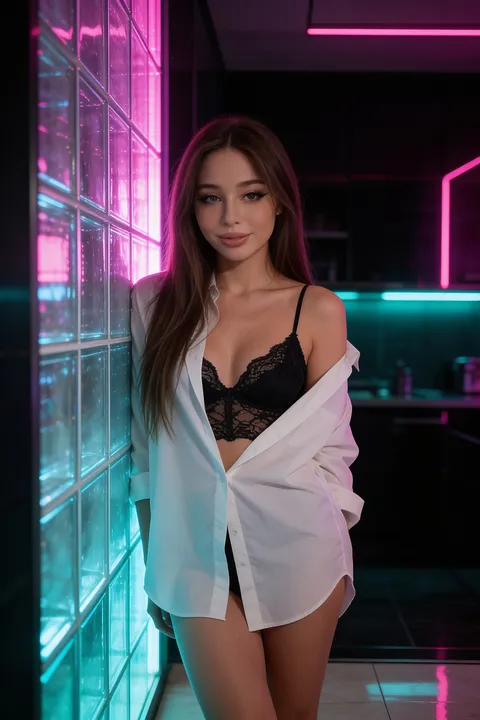 7 episodes
 A black box on his doormat — and glasses that bring his perfect girl to life.Watch Ep. 1
 6 episodes
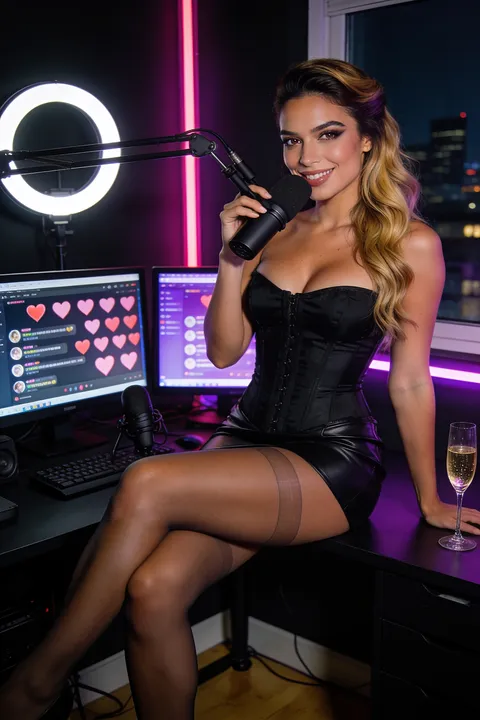
 She streams to pay off her debts. She has no idea he owns the platform.Watch Ep. 1
 9 episodes
 Fired. Cheated on. Dead. Now a sweet angel and a wicked demoness both want him.Starring Angel & AsmodeaWatch Ep. 1
 6 episodes
 Emma has two rules: leave before nine, never go upstairs. Leo stays past nine, and after dark it's her house, her rules.Starring EmmaWatch Ep. 1
 6 episodes
 Riley kissed Cole back, then cancelled their Thursdays. Now she is marrying Richard and sleeps down the hall.Starring RileyWatch Ep. 1
 5 episodes
 Every Halloween a rose waits on his doorstep. Tonight the witch who leaves it walks in through his candle flame.Starring Morgana & LivWatch Ep. 1
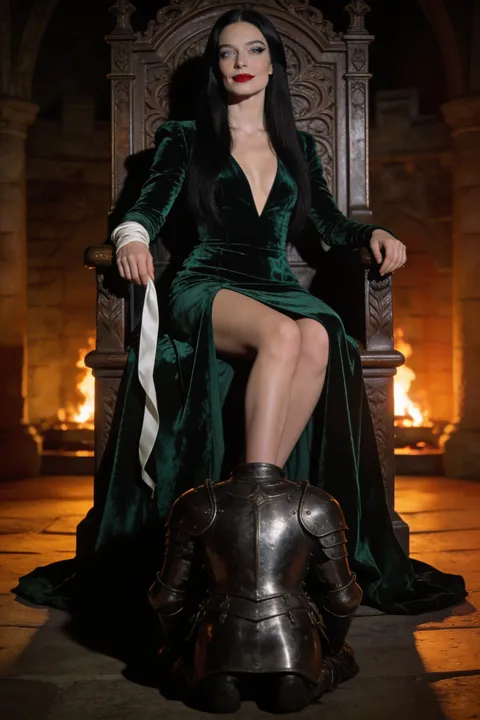 8 episodes
 The King promised Cora to the tourney's winner. She wants the guard the court calls a dog, so she fights under a helmet.Watch Ep. 1
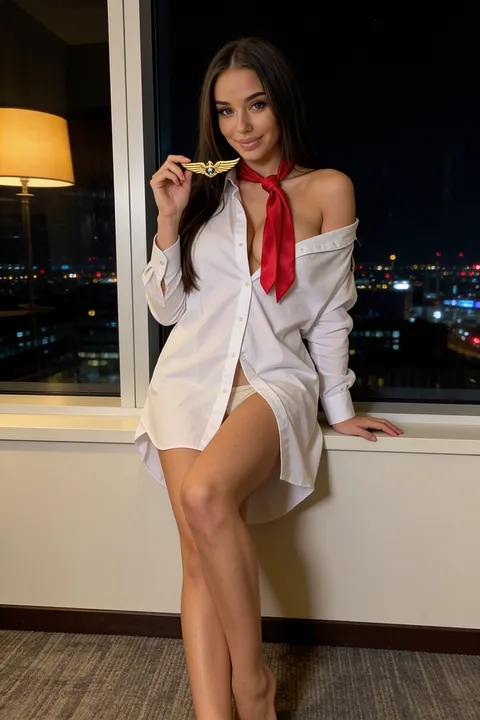 5 episodes
 Turbulence drops Camilla into a billionaire's lap. Her jealous boss says one more night will cost her her wings.Starring Camilla & TheklaWatch Ep. 1
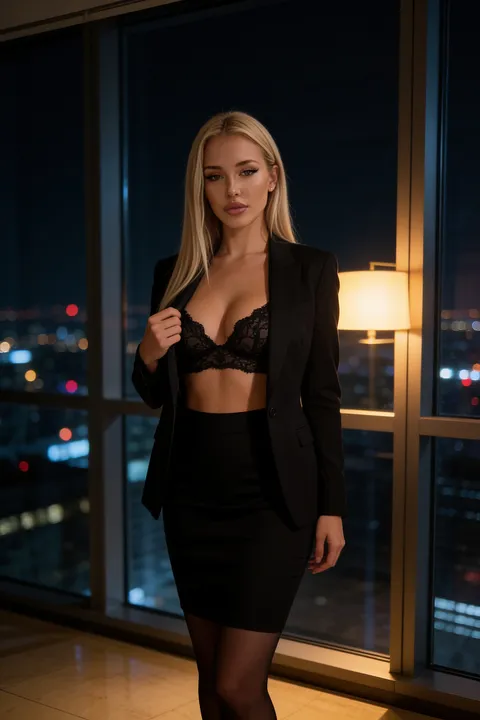 5 episodes
 For a year she undressed in Leo's dreams and begged him to find her. Today she is the one hiring him.Starring BarbaraWatch Ep. 1
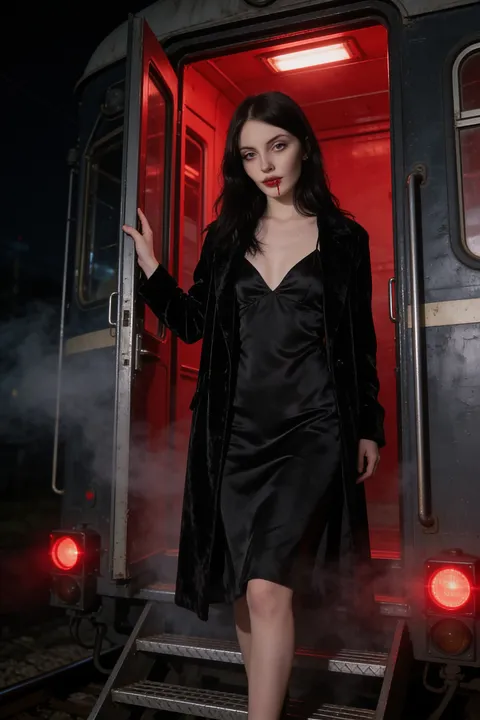 7 episodes
 He shoots a vampire with silver, and the wound opens on his own chest. Now two vampires want him.Starring KatarinaWatch Ep. 1
I expected a spec like this to promise a generic body under a familiar head. It says something else: face and body stay consistent with her avatar and her earlier photos.
So does she still look like herself in the clip? That's the reason to do it in chat. The video starts from the photo she just sent, not from a fresh guess.
Two dials shape the request before you type. In Chat Settings, lust level runs from 1 (sweet) to 5 (unfiltered). Response length also runs from 1 to 5.
There's a side door, too. Media button → Send Video Note, plus what she should say or do, gets you a round talking video with sound in under 90 seconds. It costs the same 10 Stars. (If you want her voice more than her movement, this is the one I'd try first.)
Outside the Chat: The Video Generator and Its Fix-Up Tools
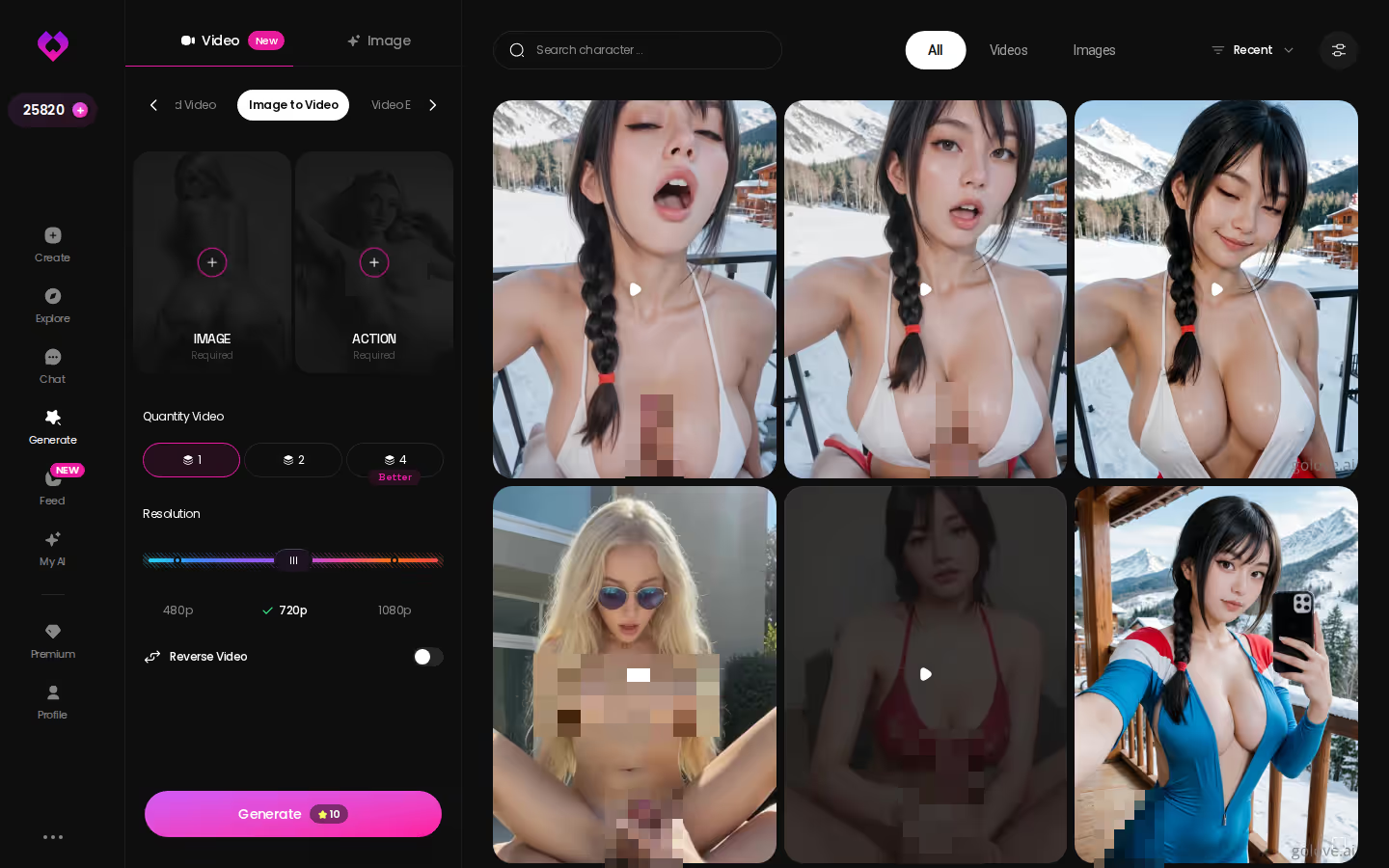
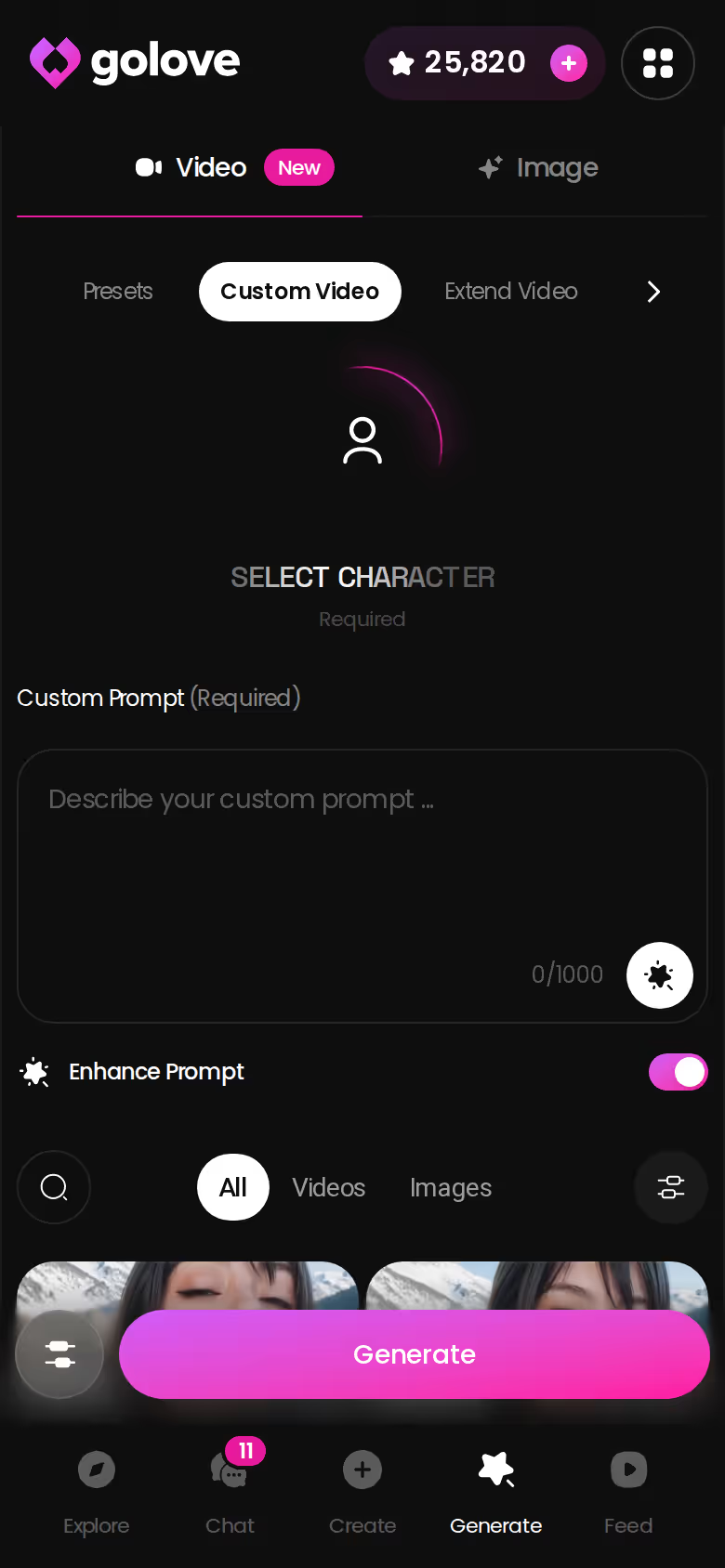
Not every clip has to start in a chat. Open Generate → Video and pick the character top-right: any GoLove character or one you built in Create.
You get six modes: Presets, Custom Video, Extend Video, Image to Video, Video Edit and Multi-Scene. A run makes 1, 2 or 4 videos at 480p, 720p or 1080p. Reverse video and add audio are there as well. A 720p video costs 10 Stars.
Presets are the fast lane. You stack cards. First an action like 'Hard Doggy Style' or 'Twerk', then Clothes, then Background, and one Generate tap finishes it. The count is 76 realistic video modes, and 147 across all categories.
Fixing a Clip You Already Made
- Video Edit reworks a clip you already generated.
- Extend Video picks up a clip where it stopped.
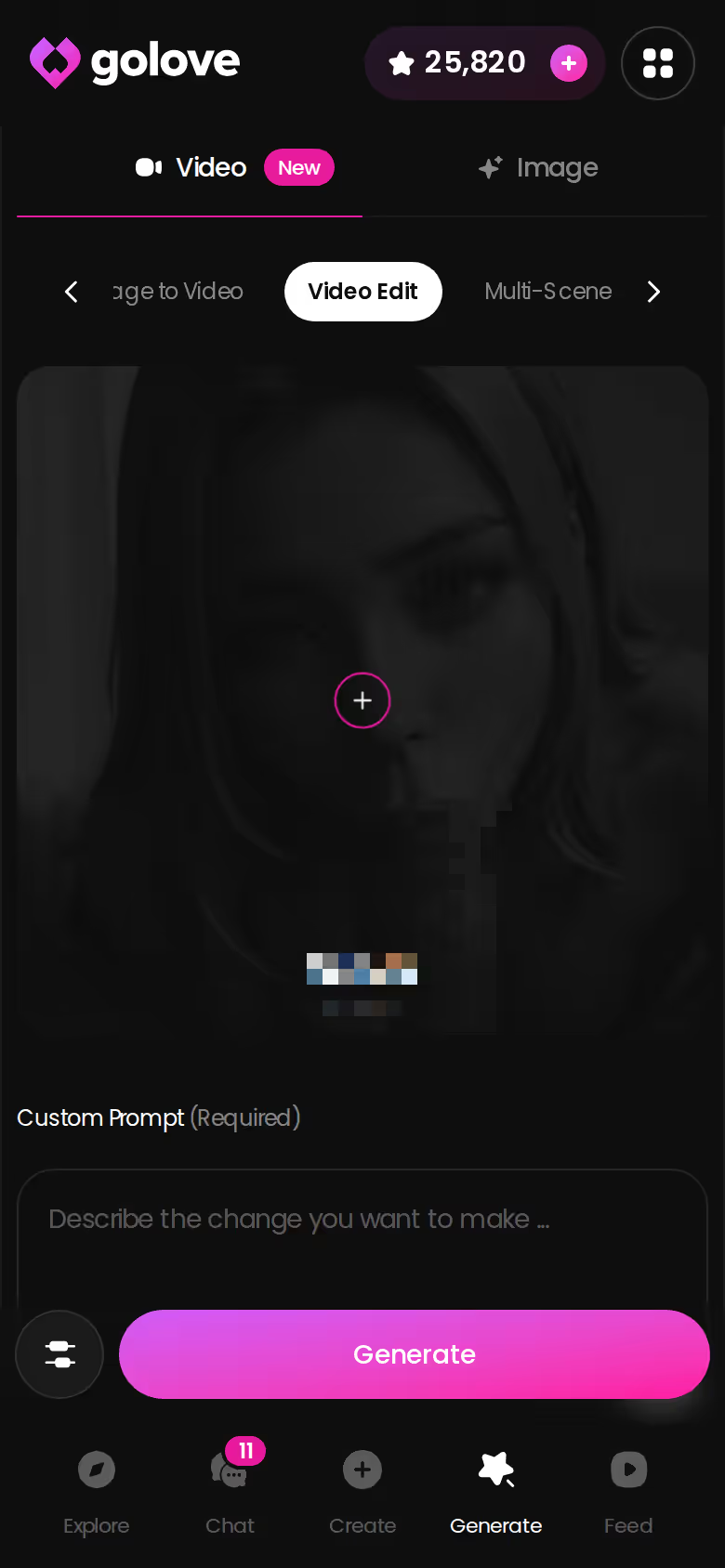
Costs per tool are laid out in a breakdown of six AI video editing tools and their costs.
Stitching Several Moments Together
Multi-Scene joins separate beats into one video. It's useful when five seconds isn't the whole idea, which is often.
Worth knowing: every clip here starts from a character, not from a picture of you or someone you know. Pick one on Explore or build one in Create, keep it to adults, and never model a character on a real person without their consent.
Where the Faces Come From: Series, Feed and the Remix Wand
Photo-to-video rarely starts from a blank page. The face usually comes from somewhere.
Series is one source. These are GoLove's vertical 18+ short dramas, with new episodes every week, per GoLove, and episodes 1 and 2 of every series are free. Take 'My Professor Locked the Door', starring Jessica (@HotlineJess). Under the player sit Create Video of the cast and Create Image of the cast. The woman you just watched becomes your starting frame.
The Feed works the same way. Tap the Remix wand on any clip, and the generator opens with that clip's character, action, outfit and scene already set. Change one thing and regenerate. Here's more on how the 147 video modes and the Remix button work.
Five-Second Clips on a Star Meter, Traded for One Face That Holds
The cost is length and a flat fee. Chat clips run about five seconds, and every clip spends Stars. No flat fee makes video unlimited, and I'd call that the real weak spot.
The gain is one face. The woman in the photo is the woman in the clip, and she's still in the chat afterwards.
| GoLove.ai (checked 2026-10) | OurDream (checked 2026-09) | |
|---|---|---|
| Plan price | PRO about $19.99/month or $119.88/year; ULTRA about $59.99/month | From about $19.99/month, or about $9.99/month on an annual plan |
| Included credits | 100 Stars/month on PRO, roughly ten 10-Star chat clips | 1,000 DreamCoins per cycle on Premium, shared by images, voice and video |
| Top-ups | Star packs from about $9.99 (30) to $299.99 (3,000) | Not confirmed |
| Per-item cost | 1 Star per image; 10 Stars per chat clip or 720p video | Not confirmed |
| Bundling | Subscription plus Stars for generation | Chat, image and video bundled in one subscription |
| Mobile | Bottom nav with Generate and Feed tabs | Web-only, no native mobile app |
On GoLove.ai, the order that works:
- Pick a character — or build one to your taste
- Say something real: she remembers your chat history
- Open Chat Settings: pick her voice, lust level and reply length
- Ask her for a photo in the chat
- Want a set pose or outfit? The image generator has 35 realistic poses and 21 outfits
OurDream deserves plain credit. Chat, images and video in one subscription is easy to reason about. If a single plan is what you want, that's a legit strength.
Prices vary by region and promo.
For this specific job, a photo that becomes a clip without swapping faces, I think the trade still comes out ahead.
What I'd Do With the First Hundred Stars
Start small. Pick one character and ask for one photo in your own words, then tap Generate Video under it and see whether the same face holds. That's the test the whole pitch rests on.
Only then would I open the generator for Custom Video or Multi-Scene.
Before you animate anything
- Character: a GoLove character or one you built in Create.
- Describe the scene clearly.
- Balance: check your Stars. 2 daily reward Stars come free.
- Start at 720p.
- Consent: adults only, consent always.
GoLove.ai is my pick for photo-to-video because it delivers on the one thing that matters here. The face that sent the photo is the face in the clip, and you can keep talking to her afterwards.
Build her once. Every photo and clip after that starts from the same face.
Frequently Asked Questions
01How long is a photo-to-video clip made in GoLove chat?
About five seconds. Under any photo your companion sends, GoLove.ai shows a one-tap Generate Video button, and the photo-to-video clip of that same scene is ready in roughly a minute. If you want more than one moment, Multi-Scene in the generator stitches several beats together.
02What does a chat photo-to-video clip cost on GoLove?
Each chat photo-to-video clip costs 10 Stars, and the photo itself costs 1 Star. PRO, at about $19.99/month, includes 100 Stars a month, which covers roughly ten clips. Prices are approximate, checked 2026-10, and vary by region and promo.
03Can I try photo-to-video without paying?
Partly. The only verified freebies are 2 daily reward Stars, a limited daily Feed and Series episodes 1–2. Check the current plans in the app before you count on a free photo-to-video clip.
04Can I animate a photo of a real person?
No. On GoLove.ai the input is never a photo of you or anyone you know: you pick a character on Explore or build one in Create, then generate her photos and clips. That character's face stays consistent across her photos and videos. Never model a character on a real person without their consent.
Related Articles
 Insights11 minOctober 4, 2026AI Porn Simulator: Chat, Voice and 147 Video ModesAI porn simulator pick: GoLove.ai wins on interactive video — 147 preset video modes plus live voice calls and memory. See how the loop works.Read article
 Insights7 minNovember 13, 2026AI Generated Porn Vids: 147 Modes and a Remix ButtonAI generated porn vids, done honestly: GoLove.ai wins on video you can steer — 147 preset modes and Remix. See the Feed, then make your own.Read article
 Insights11 minNovember 6, 2026Anime Porn Chat: 15 Anime Picture Modes, 20 Video ModesAnime porn chat that holds up: GoLove.ai wins on in-chat photos — 300+ anime girls, 1 Star per picture, a consistent face each time. See who's on Explore.Read article